Portfolio sites for artists
Your work, online in five minutes.
Upload your images and answer a few questions. Plinth groups the work into series and builds the pages around it, so you’re not stuck dragging boxes around a site builder.
You don’t need an account to start. Build your site, look it over, and pay when you’re ready to publish.
How it works
-
Upload your work
Anywhere from 8 to 40 images, in any order. While they upload, your browser reads the dates and colors so we can suggest series.
-
Check the series
We group the images by when you made them and how they look, with names like “Spring 2026”. Rename them or move work around as you like.
-
Pick a template and publish
Choose light or dark, and an accent color taken from your own work. Then your site goes live at its own address.
Templates
Seven ways to hang your work
All seven demos use the same 29 paintings, so you can flip between them and compare. Every template comes in light or dark with an accent color from your work, and that’s all there is to choose.
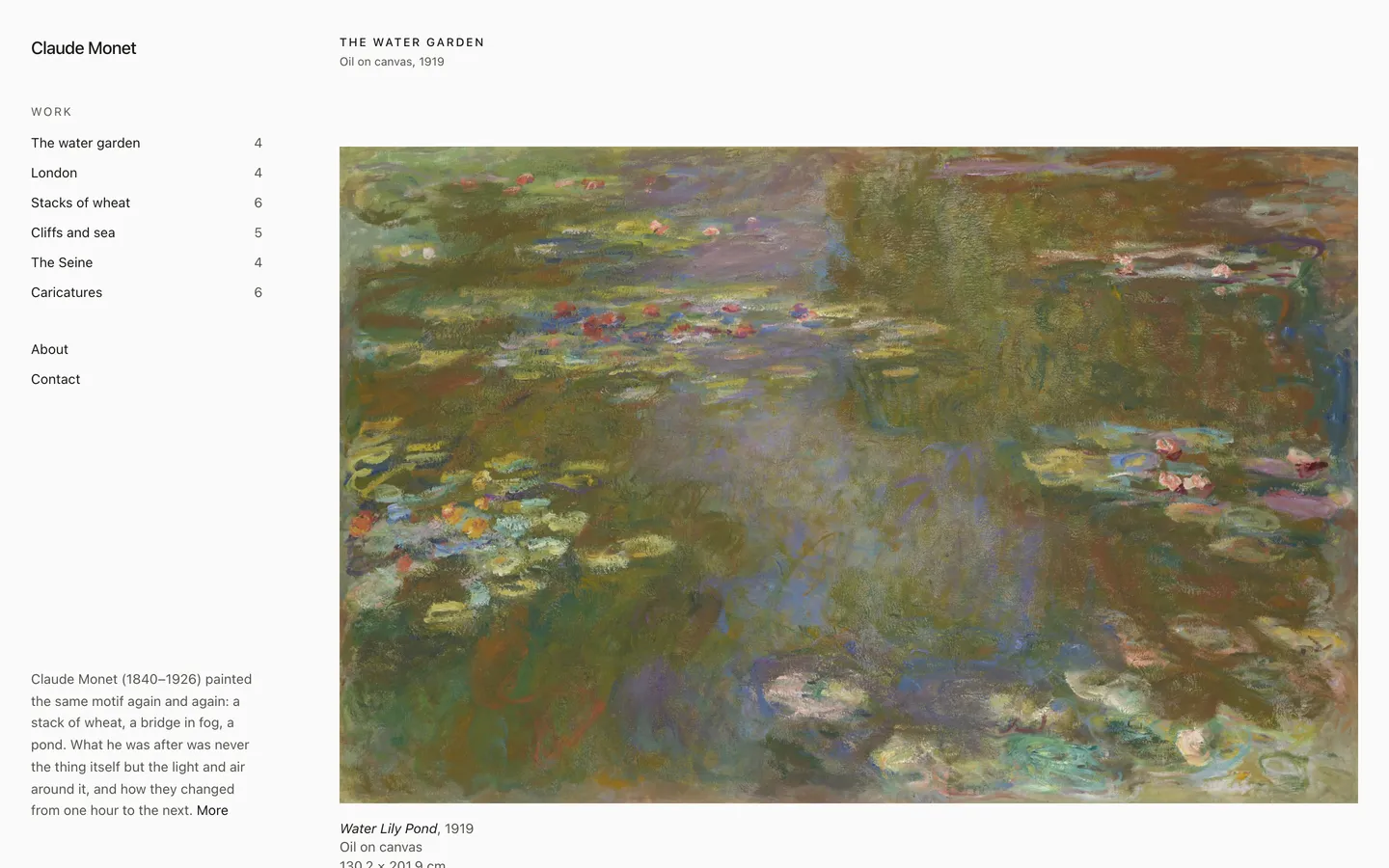
Studio. A side column that never leaves, beside one long stream of work.
Visit the demo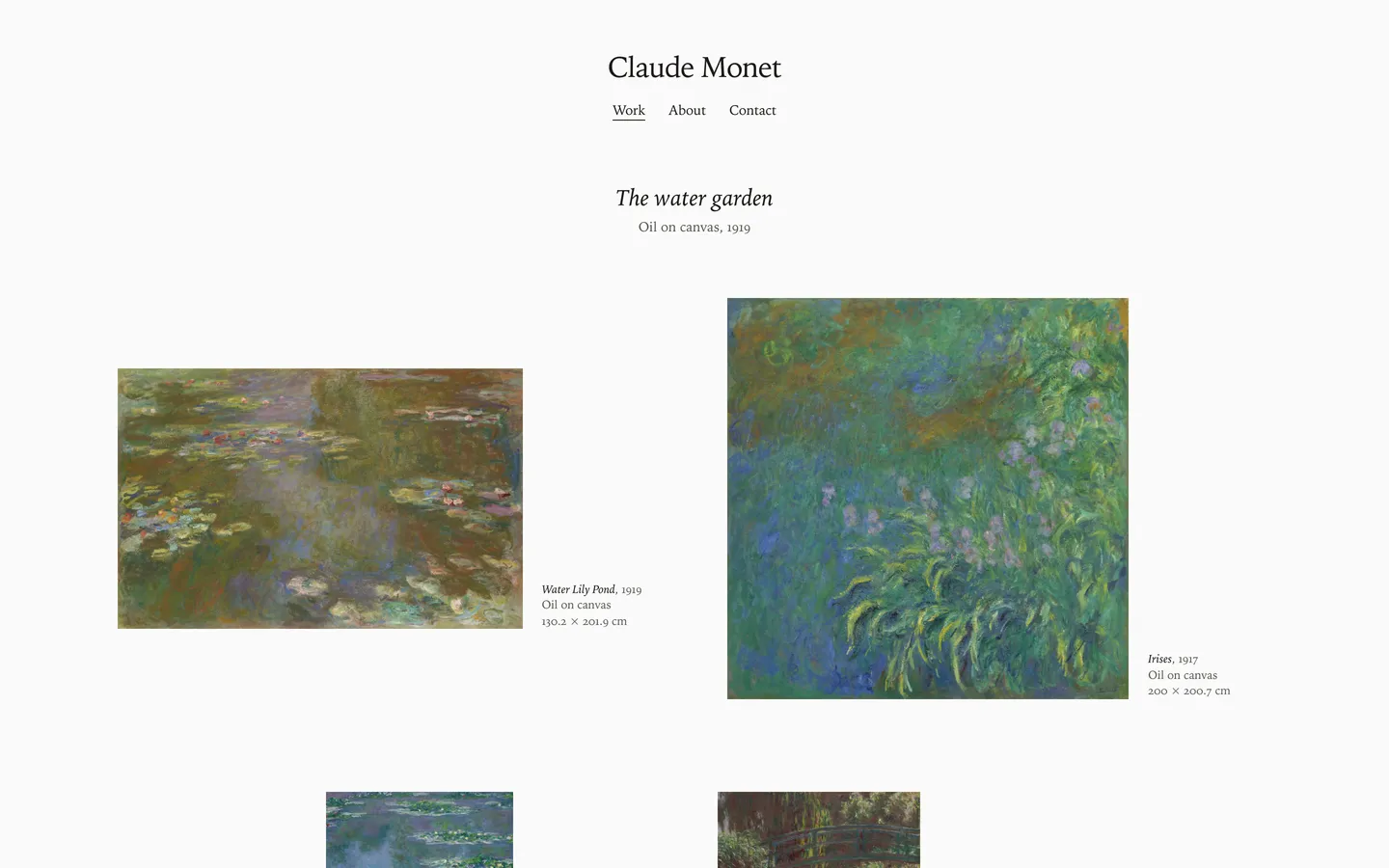
Wall. Hung at true relative size, on one eye-level line, like a show.
Visit the demo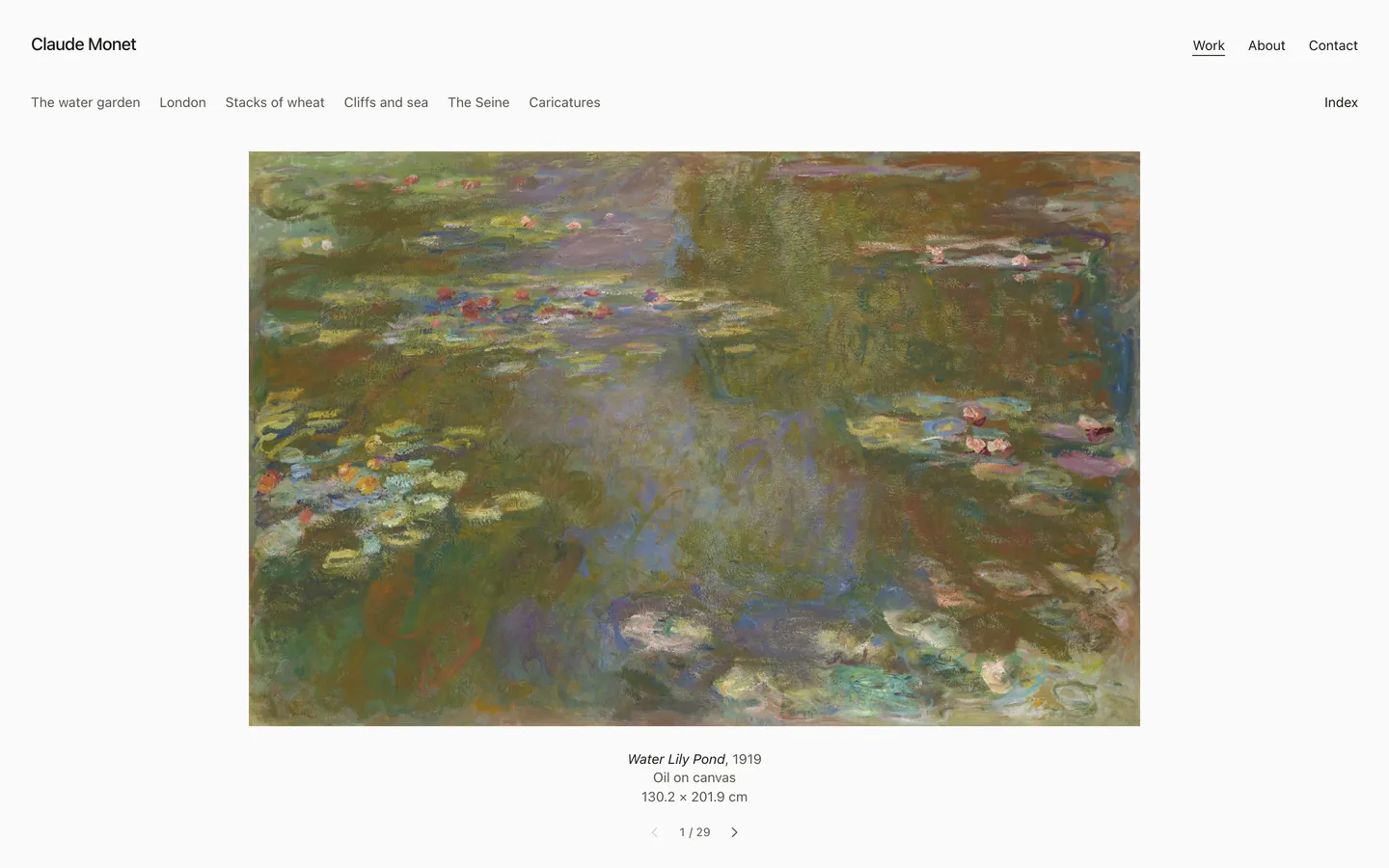
Folio. One work at a time, like turning the pages of a portfolio.
Visit the demo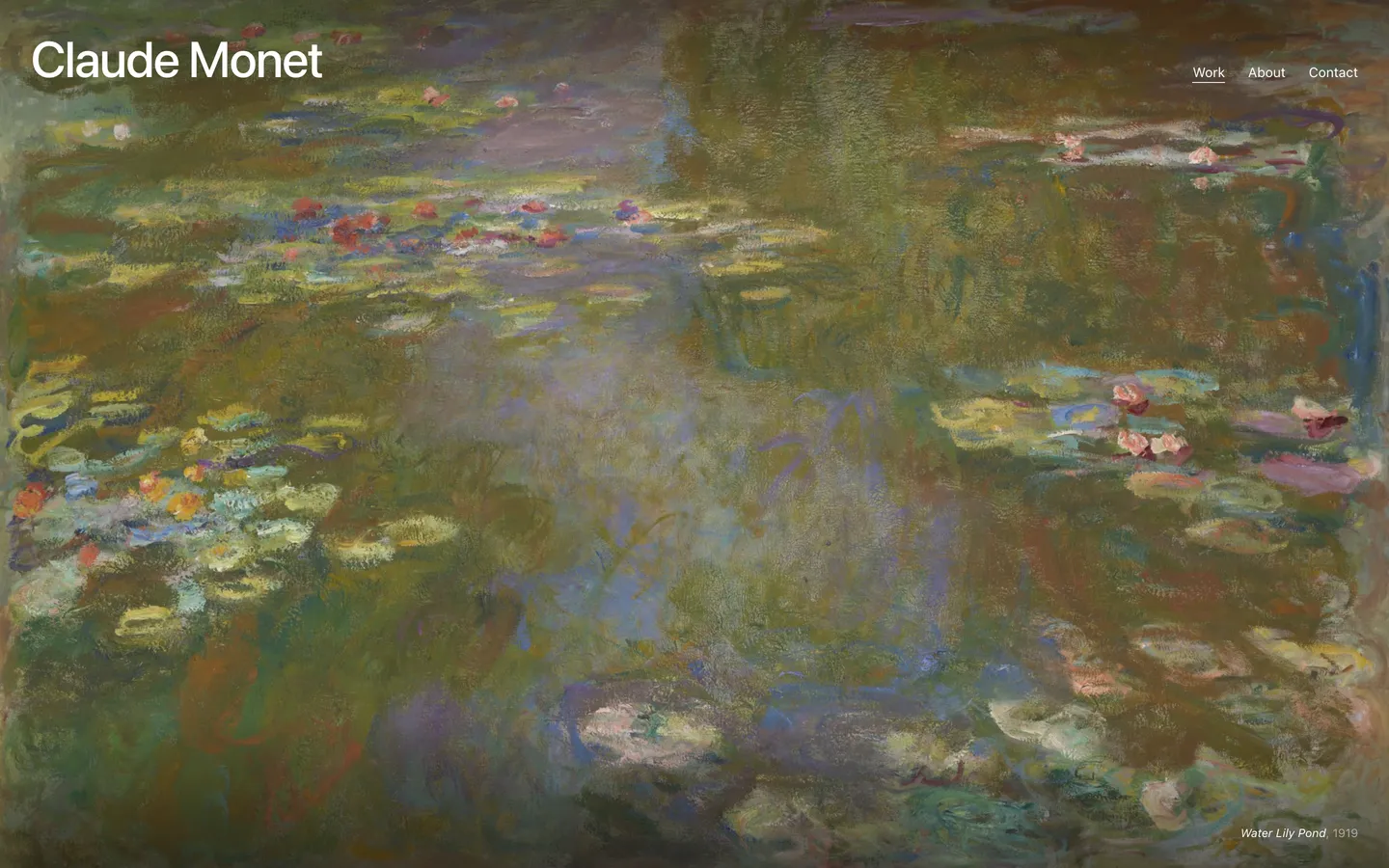
Cover. Opens on one work, full bleed, then each series as a row of three.
Visit the demo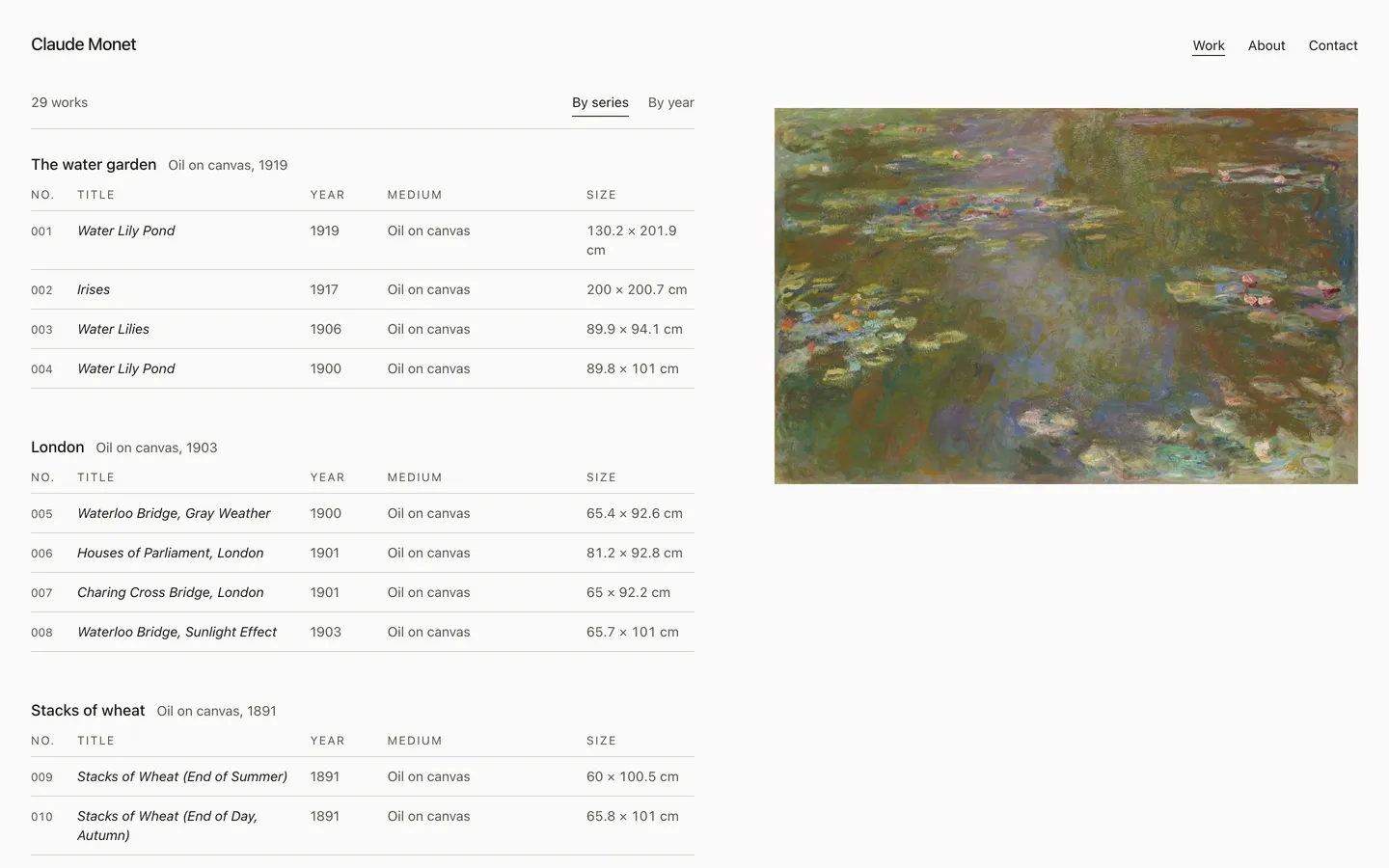
Archive. A catalogue of every work, one ruled line each, by series or by year.
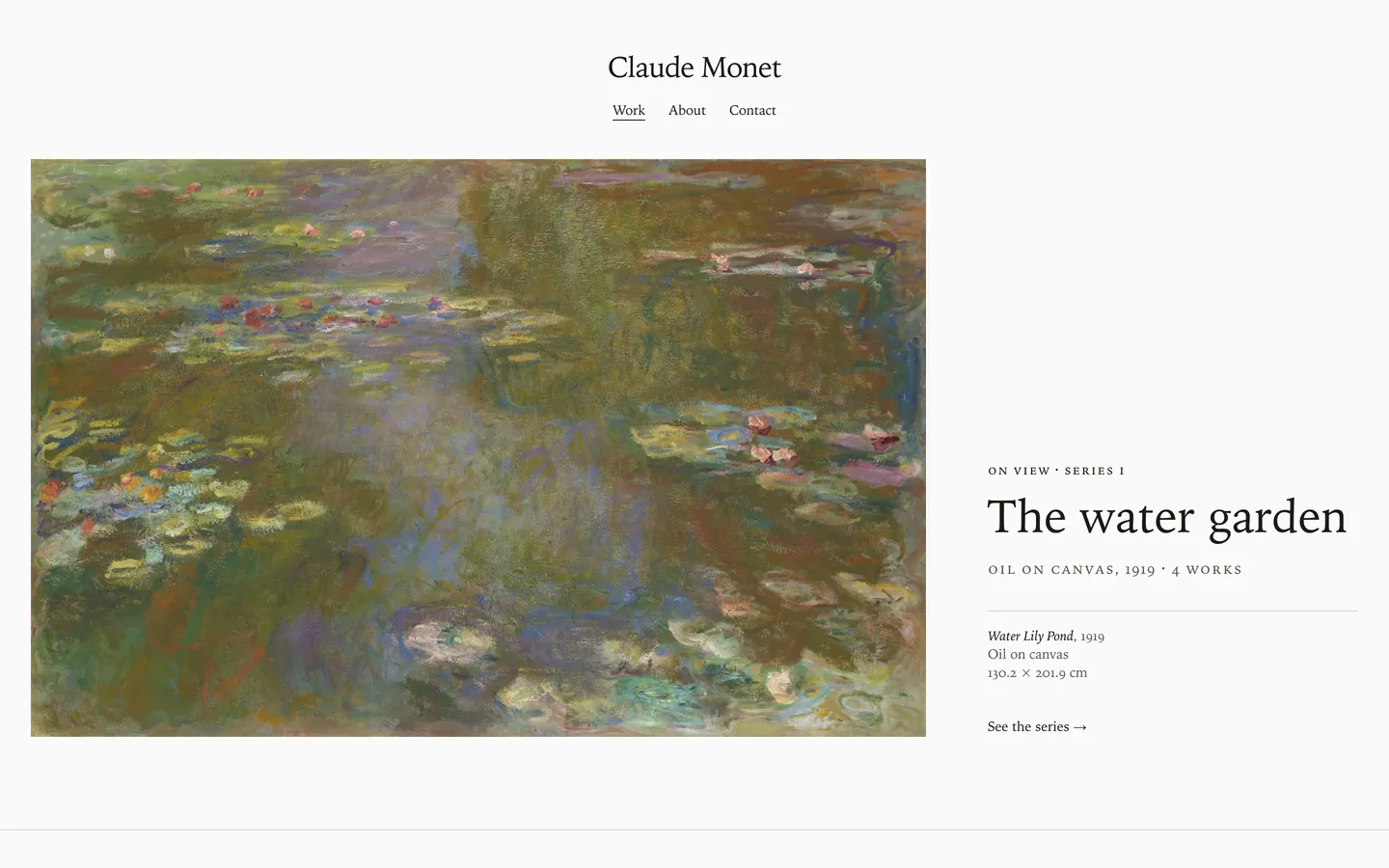
Visit the demo Monograph. A museum’s site for one artist: the series on view, then chapters.
Visit the demo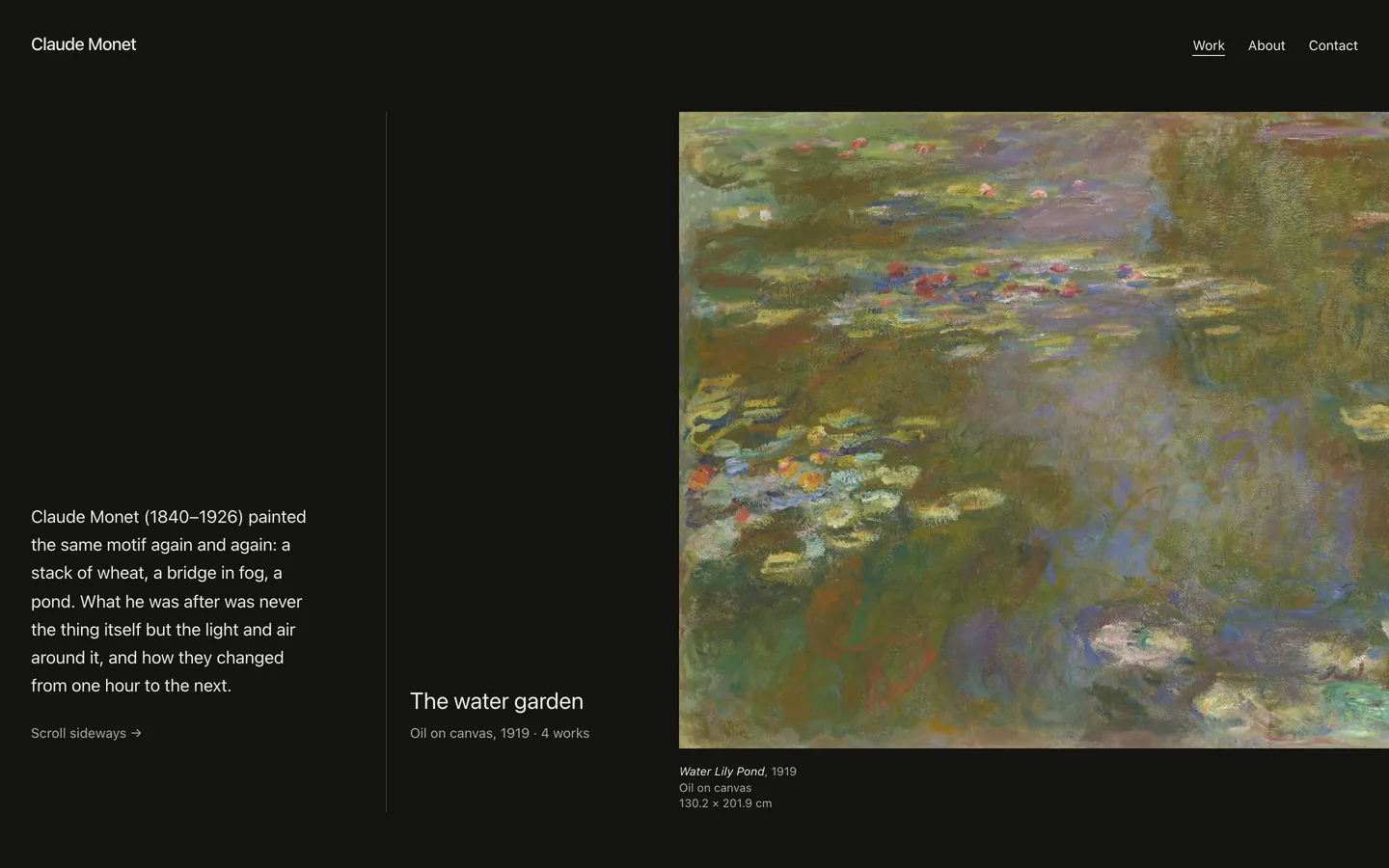
Corridor. Every work at full height, side by side, in one long gallery you walk sideways.
Visit the demoWorks by Claude Monet, Art Institute of Chicago, CC0.
Our position on AI
Your work isn’t training data.
AI companies scraped billions of images from artists’ sites to build tools that imitate them. We don’t think that’s okay. Every Plinth site tells AI crawlers no, in all the places they’re supposed to look.
No AI training
We never use your work to train AI, and we do what we can to stop anyone else from using it.
Opt-outs on every page
Each site’s robots.txt blocks the known AI crawlers. Every page and image is tagged “noai” and carries the W3C TDM reservation, which is the opt-out EU copyright law recognizes.
AI crawlers are refused
When a bot identifies itself as an AI crawler, the server turns the request down.
Originals stay private
Visitors see resized copies, 2400 px at most, with camera, date and location data removed.
Where we do use AI
In two places: suggesting series from capture dates and colors, and drafting a statement from your answers. It never sees your images, and you can change or throw out anything it suggests.
No generated content
We won’t generate art, “enhance” your images, or put text on your site that you didn’t write or approve.
There’s a limit, though. A scraper that pretends to be an ordinary browser can still copy any public image, and no website can prevent that. For protection built into the files themselves, we recommend Glaze and Nightshade.
How the protections workPricing
$12 a month
or $120 a year (two months free).
There’s one plan, and it includes everything. Building and previewing your site are free. You only pay once you publish.
- All seven templates
- Use a domain you already own
- A contact form that keeps your email address private
- No AI training on your work
Free for art teachers and students. We’re starting with a small pilot, by invitation, with a few schools.
Questions
Is it free for teachers and students?
It will be. Verified art teachers and eligible students will get everything for free. We’re starting with a small, invitation-only pilot with a few schools, and we’ll post the details when it opens.
Do I have to build pages?
No. You upload your work, fill in a few details and write a statement (or let us draft one). Plinth makes the home page, a page for each series and each work, and your About and Contact pages.
Can I use my own domain?
Yes, if you already own one. We don’t sell domains. Until you connect one, your site is at yourname.plinth.com.
Can you guarantee nobody scrapes my work?
No. We block crawlers that identify themselves and use every machine-readable opt-out there is, but a scraper that pretends to be something else can copy any public image on the web. If that’s a worry, run your images through Glaze or Nightshade before you upload them.
Can I post AI-generated images?
Plinth is built for work you made yourself. We don’t generate images, and we don’t add AI content to your site.
Who owns my work?
You do. We store it and show it on your site, and that’s all. You can download everything or delete it whenever you want.